
if you are searching for project management tools that can assist you with dealing with your projects and team easily? If the answer to the above question is yes, you've come to the ideal locations. It will not be inappropriate to say that taking on new strategies, Project managements with the clients can be really hard and frustrating if you don’t the right project managements apps to look after you and and your team with the client here are some project management apps for you
1.Team work
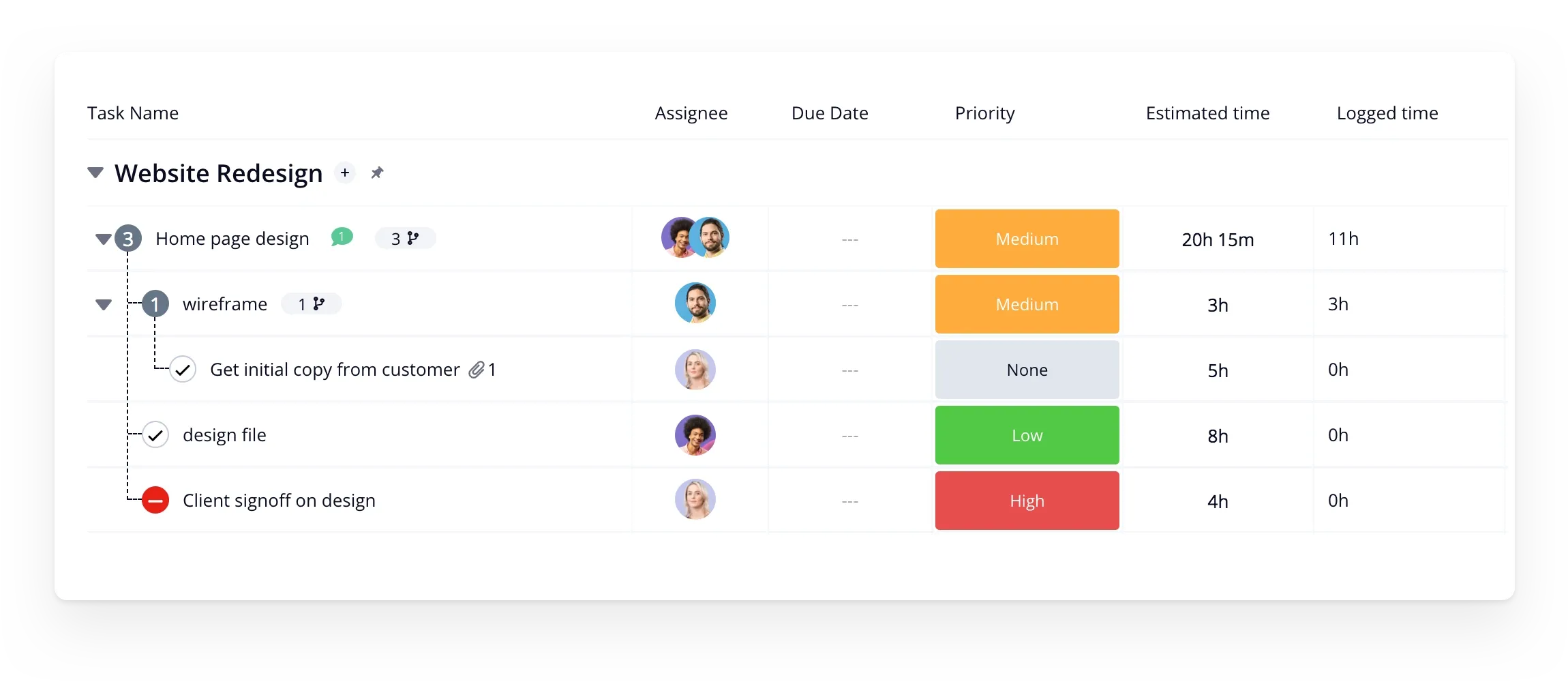
Teamwork is a popular project management app.It eases many of the pains of managing projects and all their milestones and tasks by giving team members a clear interface with all the tools they need. It includes billing and invoicing, making it flawless for groups that primarily handle client work. It has the best balance of functionality, price and ease of use.It gives you the tools and reports you need to maximize resources and never miss a minute again the best thing about teamwork is that it integrate with all tools like Google Drive, Box.com, OneDrive Personal, Dropbox, Slack, Microsoft Teams and Office, Harvest, QuickBooks, OneDrive Business, SharePoint, and Microsoft Project. . But the only problem with teamwork is that it doesn't have an image markup tool. with immense set of features and instinctive interface it on of the best project management app out there
Smart suite
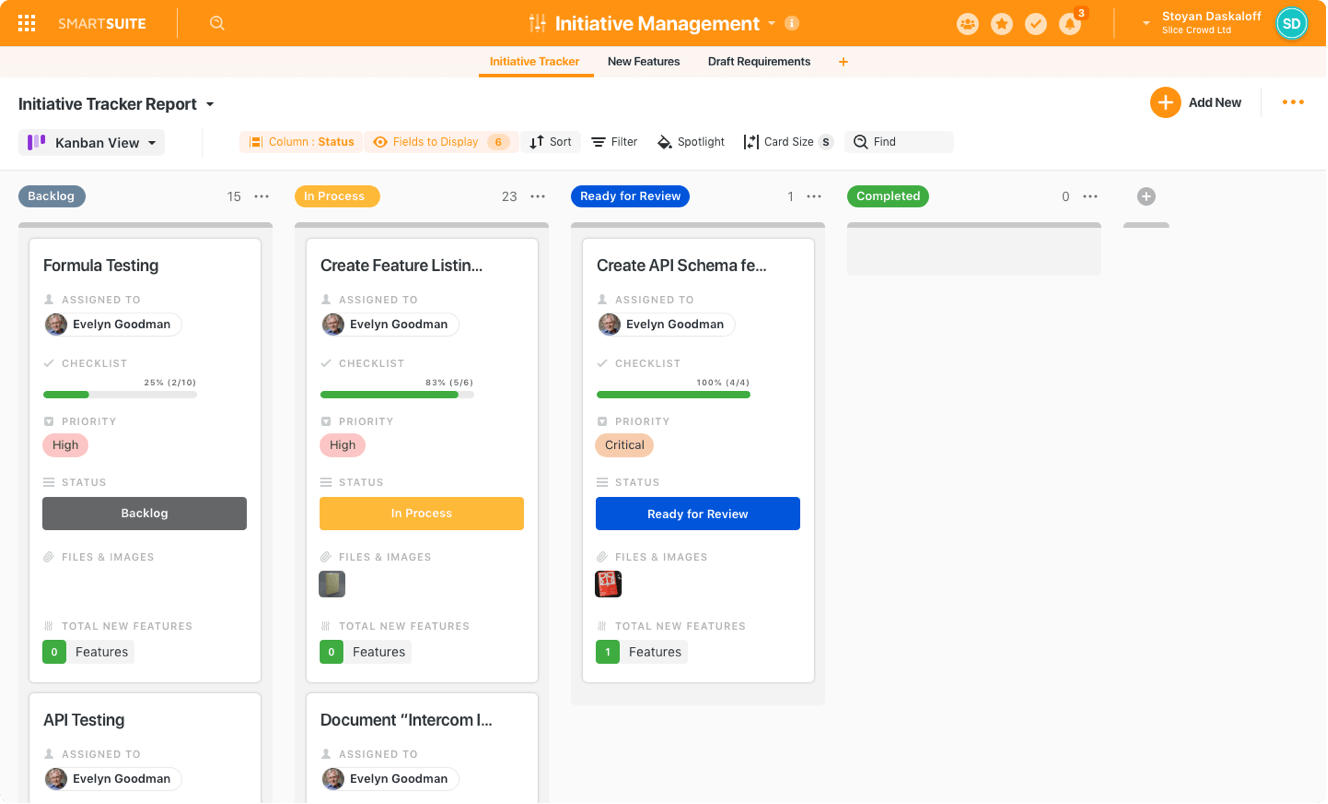
Smart suite is one of the best project management apps for business and freelancers. It can help you plan and manage all your team’s work in one place: Goals, Processes, Projects, Tasks, Doc’s, Chat, & more.it Increase the productivity of teams by empowering them to create, automate, manage projects and processes that support the way they want to work.the best thing about smart suite is that it Allow team members to collaborate directly in the context of the work that is being done and provide managers visibility to ensure success with team and company goals. for managers it can keep an eye on your team's progress and workload. Get real-time charts and other visual highlights to share status, spot potential problems, and keep work on track.smartSuite provides teams the ability to build sturdy workflows, all through a visual interface that takes just a few minutes to learn.it integrates with paypal ,mailchimp google analytics figma google drive zoom hubspot and much more
Paymo
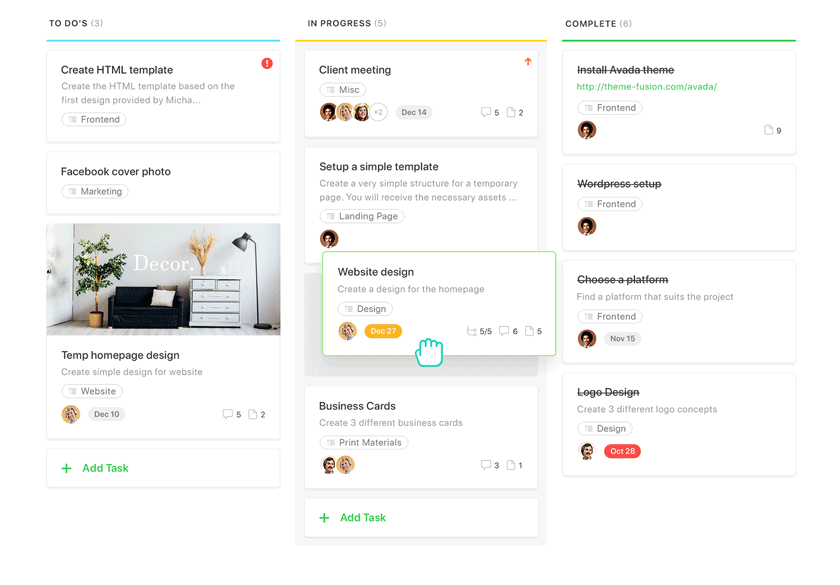
paymo allows teams to align and engage. It manages tasks very well unlike other project management apps. It has a clear interface , it can create team schedules, track work time, it also helps you to bill your clients from the same platform.it replaces a lot of tools you use like microsoft teams dropbox harvest it keeping everything in sync under the same roof - without messy integrations using paymo is actually profitable it cuts extra costs from multiple subscriptions. It has various tools like Team’s Tasks or Portfolio Gantt Chart to keep projects under control, or even view all your team’s tasks in a global Meta Kanban board. Its Team Scheduler creates a visual timeline of your team’s work. You can plan ahead easily with it.it helps you to Collaborate at a task l in real-time with task comments, manage priorities and workflow statuses. Keep everyone on the same page with Boards and see at a glance all task statuses.
Asana
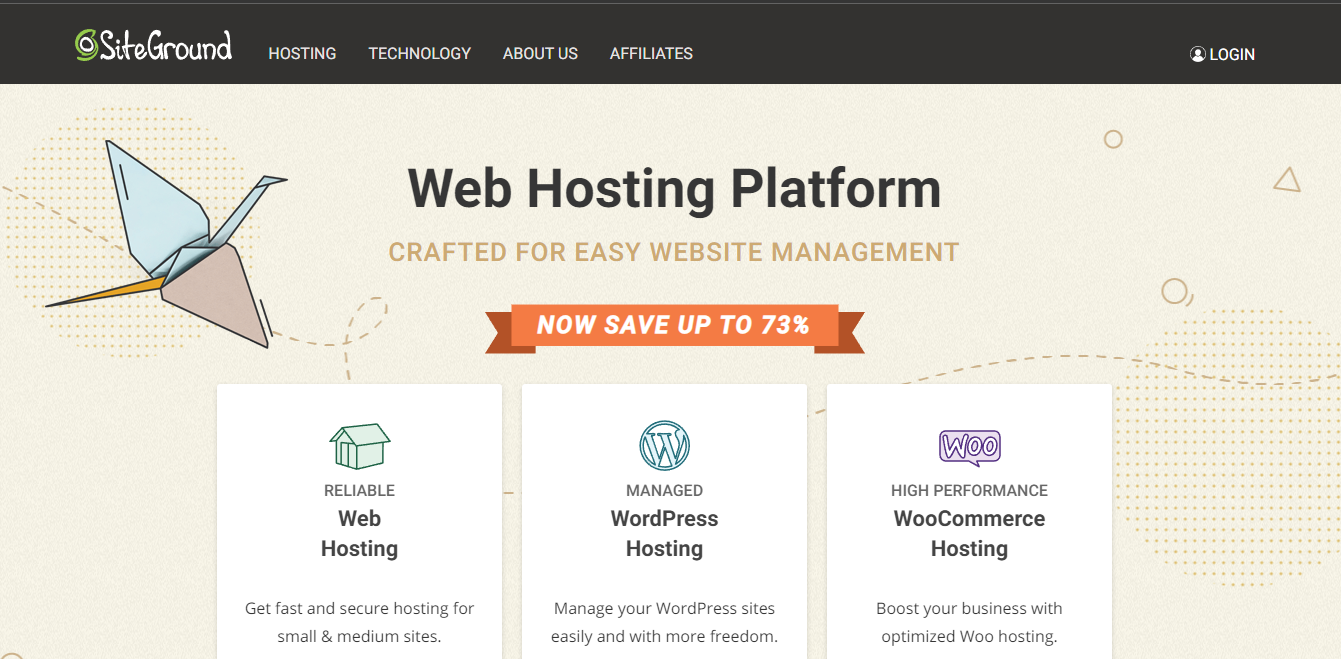
SiteGround is built to deliver top-class speed to its customers, as well as rock-solid security. And particularly for WordPress sites. It starts with the technology their hosting is built upon. SiteGround utilizes Google Cloud to maintain swift and stable connections, and their SSD persistent data storage ensures low latency. Not only that, but SiteGround’s innovative developers rolled out their own, better PHP solution —Ultrafast PHP. Through it, SiteGround delivers site speeds that are 30% faster than standard PHP while also reducing time to first byte by half and memory usage by 15%.
Features
SiteGround is another hosting provider that comes recommended by WordPress, which is no small distinction. Here’s what else it offers:
Monday.com

InMotion also gives you a massive self-help knowledge base. So if there’s something wrong, there’s probably a guide out there to help you. The customer support is also among the best. Don’t believe it? Try for yourself. InMotion’s 90-day free trial period for shared hosting is one of the longest around and gives you plenty of time to test out InMotion’s support team. InMotion’s plans are really straightforward and almost identical. As you upgrade, you’ll get faster servers and extra databases, websites, and subdomains. It’s a straightforward approach I like, especially for small businesses and websites that aren’t overly complex. No pushy upsells or confusing tiers to worry about.
Features
InMotion’s most basic plan is the Lite shared plan, which provides By upgrading from the Lite to the Launch shared plan, you’ll also get up to two websites and 10 email addresses. It’s pretty rare to get two websites on a cheap plan – usually you’re limited to one.

I personaly use bluehost and i never had any problem.
finding a blog about hosting was difficult keep up the work.
Now days hosting is very cheap
hosting is cool.
great blog about hosting.